Astute Beta Server for iOS: Is It Available and What Can You Do Instead?
If you own an iPhone and have been searching for a way to install Astute Beta Server, you have probably noticed something. Every download page, every guide, and every mention of the app points to Android. That is not an accident, and this article explains exactly why, along with what iPhone users can actually do about it.
Is Astute Beta Server Available on iOS?
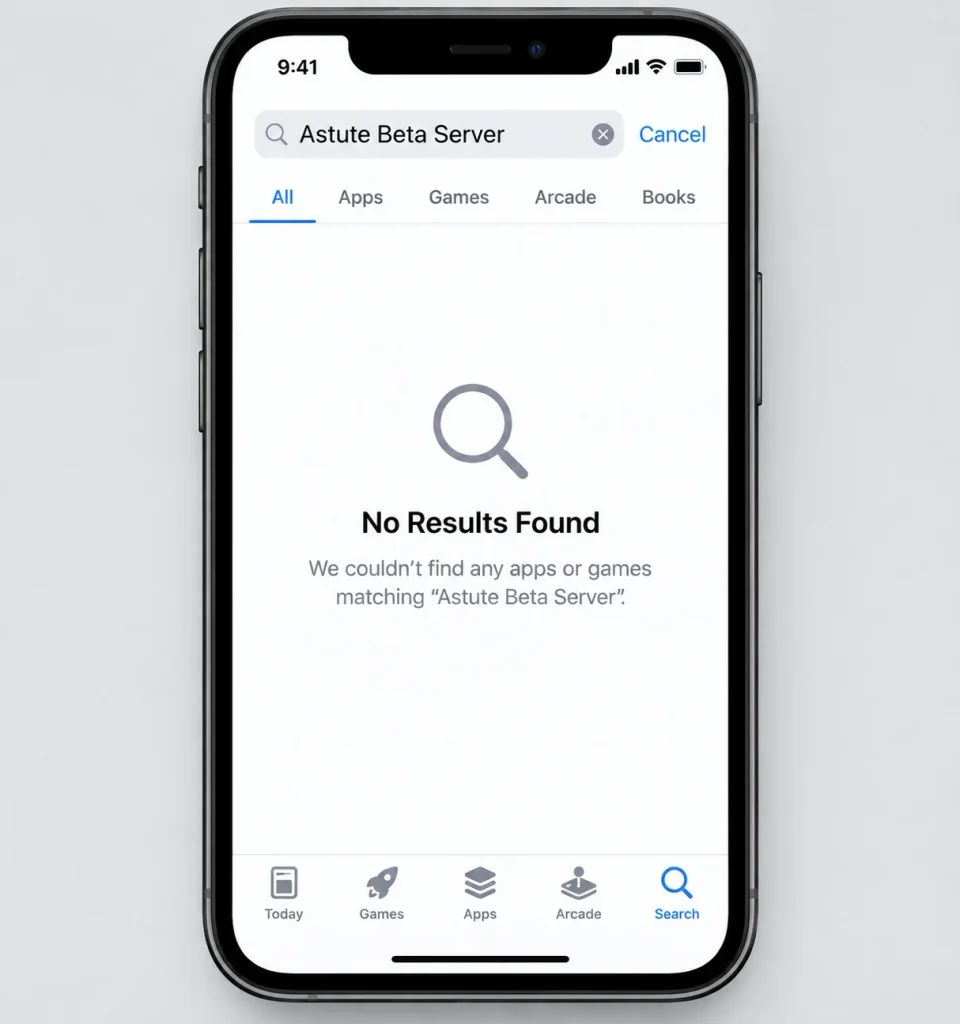
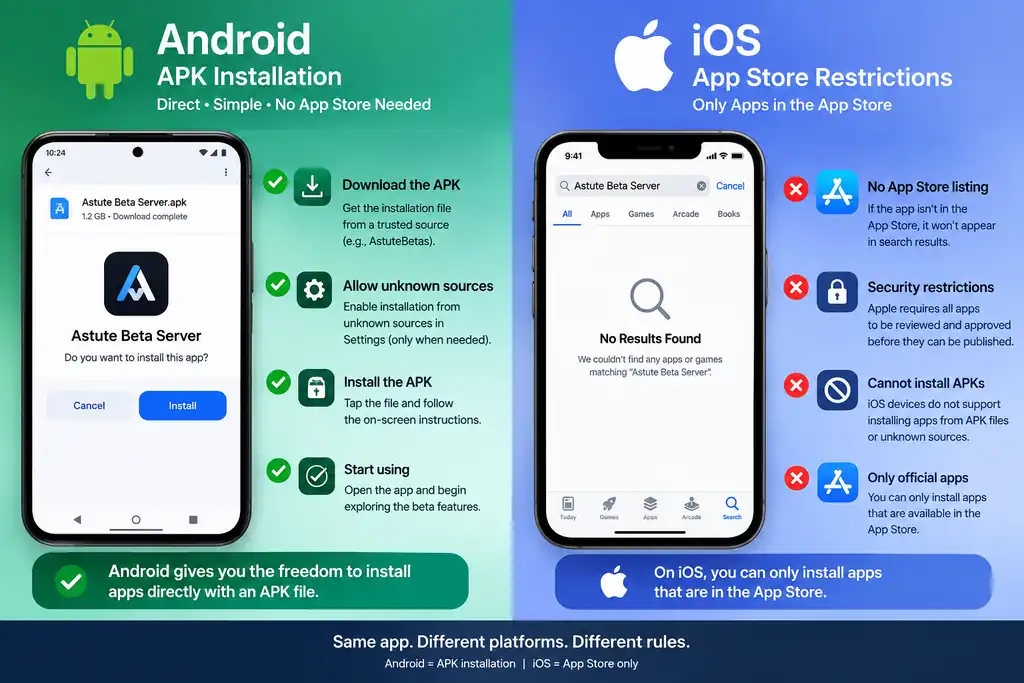
No. Astute Beta Server is built and distributed only as an Android APK. There is no iOS version, no App Store listing, and no official way to run it on an iPhone or iPad. If you see a website, video, or app claiming to offer an “iOS version,” treat it as fake. It is either a scam, a data-collecting app, or a tool that pretends to install something it cannot actually install.
This is not unusual for beta testing apps. Most beta or early-access gaming tools start on Android first, since Android allows apps to be installed outside of an official store. Apple does not allow this on iOS, which brings us to the real reason behind the gap.
Why Isn’t There an iOS Version?
1. Apple Does Not Allow APK-Style Installs
On Android, you can download an APK file from a website and install it directly, which is exactly how Astute Beta Server works. iOS does not allow this at all. Every app on an iPhone must come through the App Store, or through special developer and enterprise programs that are not meant for public apps like this one.
2. Beta and Modified Apps Rarely Pass App Store Review
Apple reviews every app before it goes live, and that review process is strict about apps tied to beta testing, game modifications, or early access content outside the main app. A tool like Astute Beta Server, which exists specifically to access unreleased game content, would likely be rejected during that review.
3. Smaller Developer Teams Build for Android First
Android has a larger share of mobile gamers in many regions, and building an Android app is generally simpler and faster for independent or small development teams. It is common for beta testing tools, especially those tied to a single game, to launch on Android only and never expand to iOS at all.
What Are Your Options as an iPhone User?
If you really want to try Astute Beta Server, you have a few realistic paths. None of them are perfect, so it helps to know the trade-offs before choosing one.
Option 1: Use an Android Device
This is the simplest and safest option. If you have access to an old Android phone, a tablet, or a family member’s device, you can install Astute Beta Server there exactly as intended. This avoids every workaround listed below and gives you the full, stable experience the app was built for.
Option 2: Use an Android Emulator on PC or Mac
An Android emulator is a program that runs Android apps on a Windows or Mac computer. Popular options include BlueStacks, LDPlayer, and NoxPlayer. You install the emulator, then install the Astute Beta Server APK inside it, the same way you would on a phone.
This works for many players, but keep a few things in mind:
- Performance depends on your computer’s specs, especially RAM and graphics.
- Touch controls are replaced with a mouse and keyboard, which changes how the game feels.
- Always download the emulator from its official website, never from a random link.
Option 3: Wait and Check Back
Since beta testing tools sometimes expand over time, it’s worth checking the official Astute Beta Server website occasionally for any announcement about iOS support. There is no confirmed timeline for this, and it may never happen, but it costs nothing to check back before assuming an emulator is your only path.
What You Should Avoid
A few things come up often in searches and are worth steering clear of entirely:
- “iOS APK” files. APK is an Android file format. It cannot run on iOS no matter what a website claims.
- Third-party “installer” apps. Apps that promise to sideload Astute Beta Server on iPhone, often outside the App Store, are a common way for scam apps and unsafe profiles to get onto your device.
- Paid “iOS versions.” Since the real app is free, any version asking for payment to unlock iOS access is not official.
Final Thoughts
There is no official Astute Beta Server app for iOS, and the reasons come down to how Apple’s App Store works compared to Android. If you want the real experience, an Android device is the most reliable route, and an emulator on PC or Mac is a workable second option if you are set on using Astute Beta Server from a computer. Whatever you choose, stick to official sources, and treat any website promising a direct iOS install as something to avoid.